
The .NET console UI toolkit
Give your console a little soul.
Turn command-line tools into interactive apps. Compose readable output, collect validated input, and connect reusable views to your C# models.
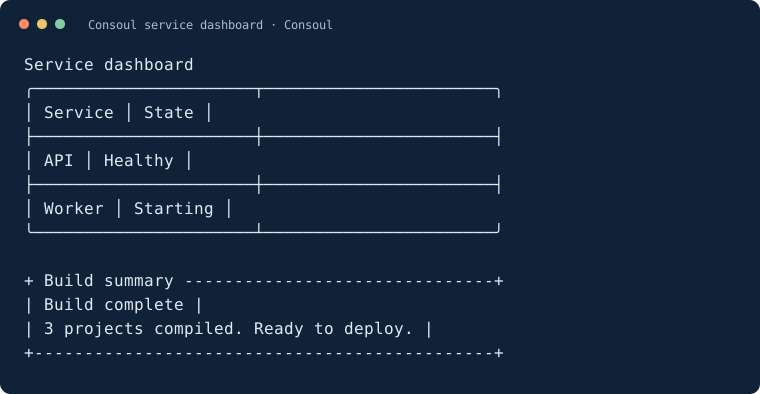
Start with a few lines
This site documents Consoul 3.0.0. Once that version is available on your package source:
dotnet add package Consoul --version 3.0.0
using ConsoulLibrary;

Consoul.MarkupLine("[cyan]Hello from Consoul![/]");
Consoul.Panel("Your first console app is ready.", title: "Welcome", width: 48);
The getting-started guide walks through a complete menu app. For local testing before publication, follow the local package instructions.
Pick a building block
Use output and styling to add markup, themes, and composed visuals. Use routines to automate repeated console interactions.
Optional packages
Keep the core small and add the integrations you need:
| Package | Adds |
|---|---|
Consoul.Cli |
Commands, arguments, help, and completion |
Consoul.Extensions.Logging |
ILogger output through Consoul |
Consoul.Extensions.Configuration |
Configuration-backed routine transforms |
Consoul.Text.Json |
JSON rendering and form-value serialization |
Choose an integration and see examples →
Moving to 3.0?
Read the migration guide for package and API changes, then check the release notes for known limitations. The core targets .NET Standard 2.0, .NET Core 3.1, and .NET Framework 4.6.1; the quick start uses a modern .NET console app.
Found a problem? Open a GitHub issue with your package version, terminal, operating system, and a small reproducer. Include terminal width for layout issues.